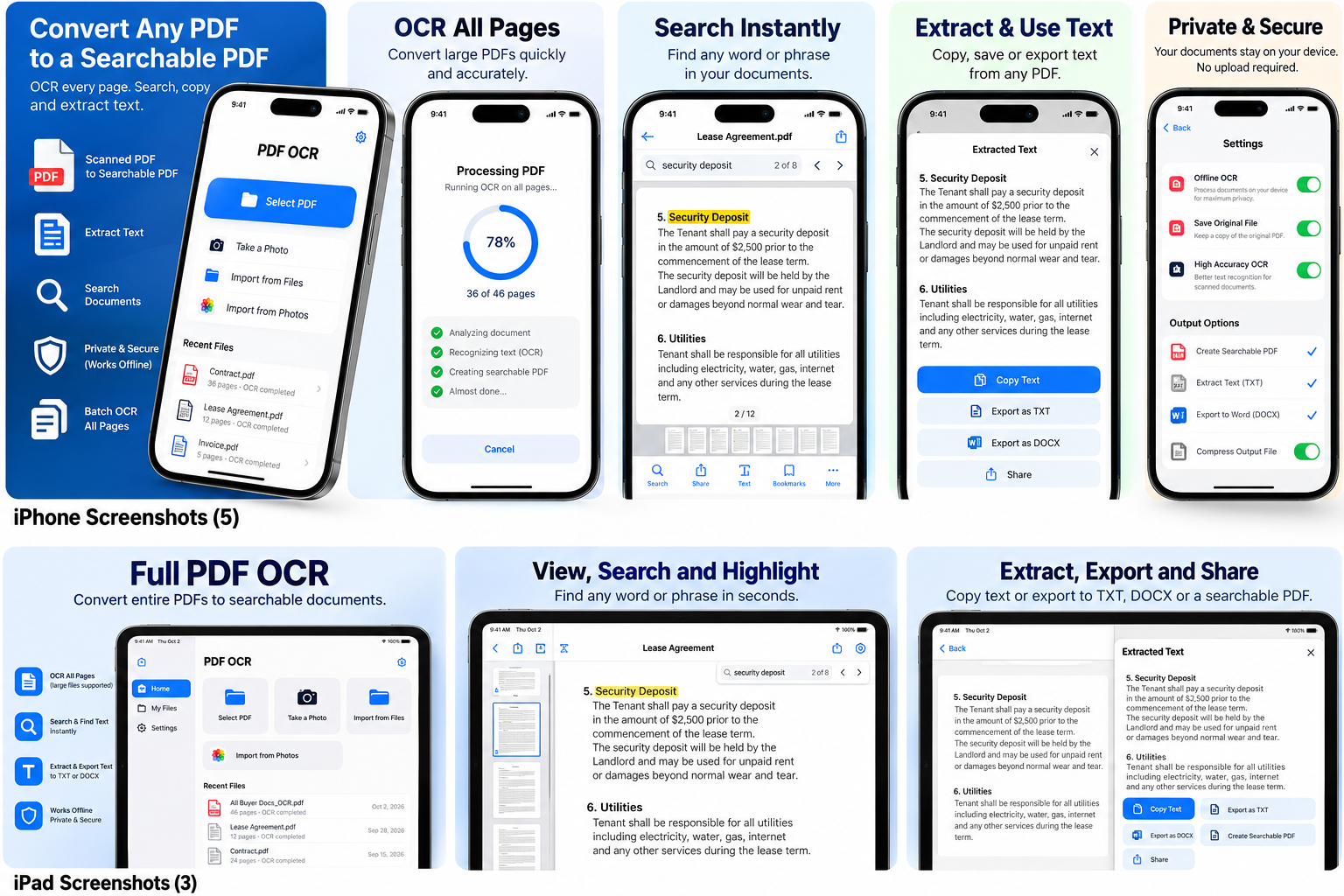
Turn any scan into a searchable PDF.
OCRFlow is the fast, private OCR app for iOS and Android. Convert PDF to text, image to text, sign PDFs, and search every word in your documents.
Everything a PDF OCR app should do
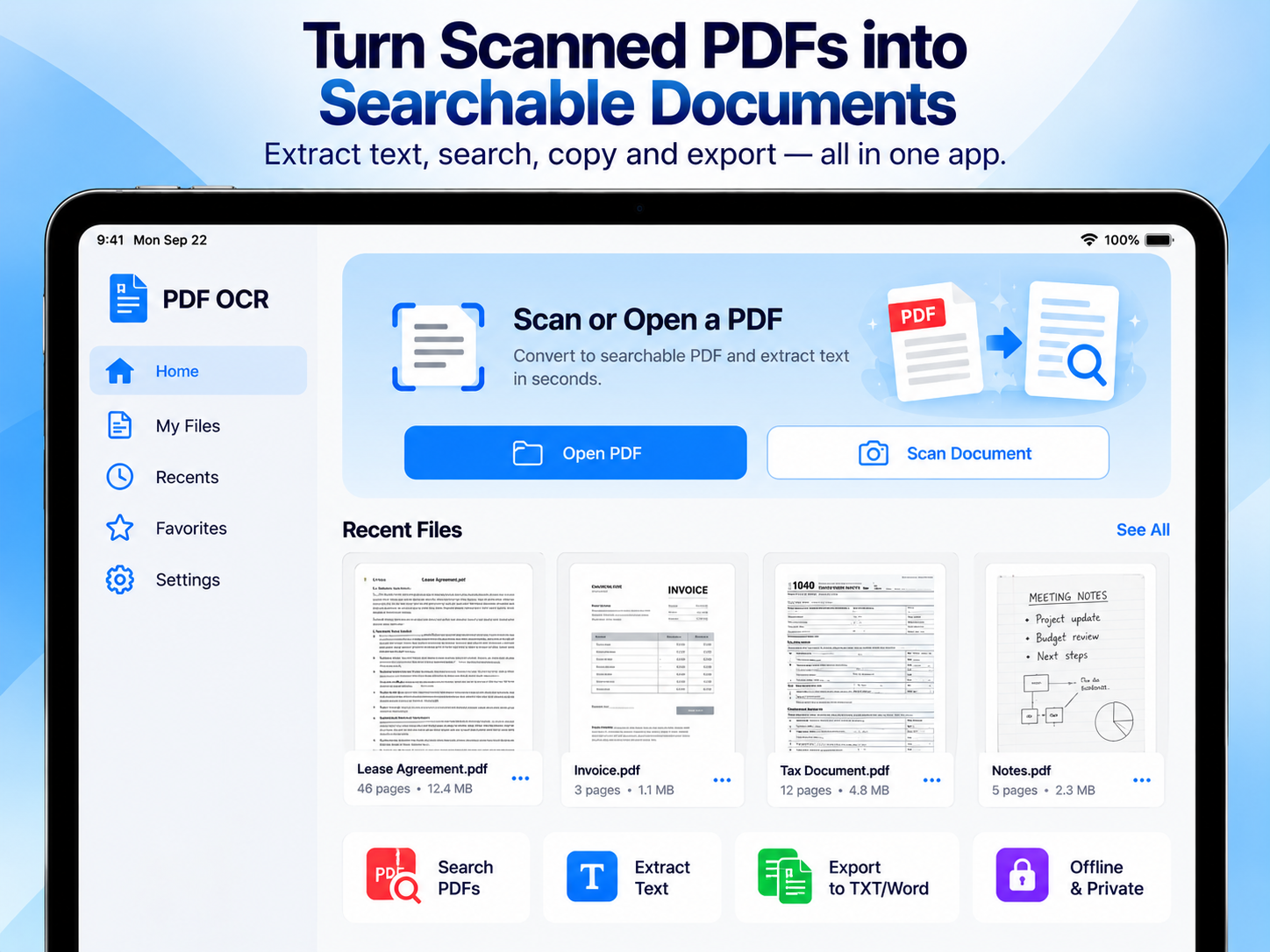
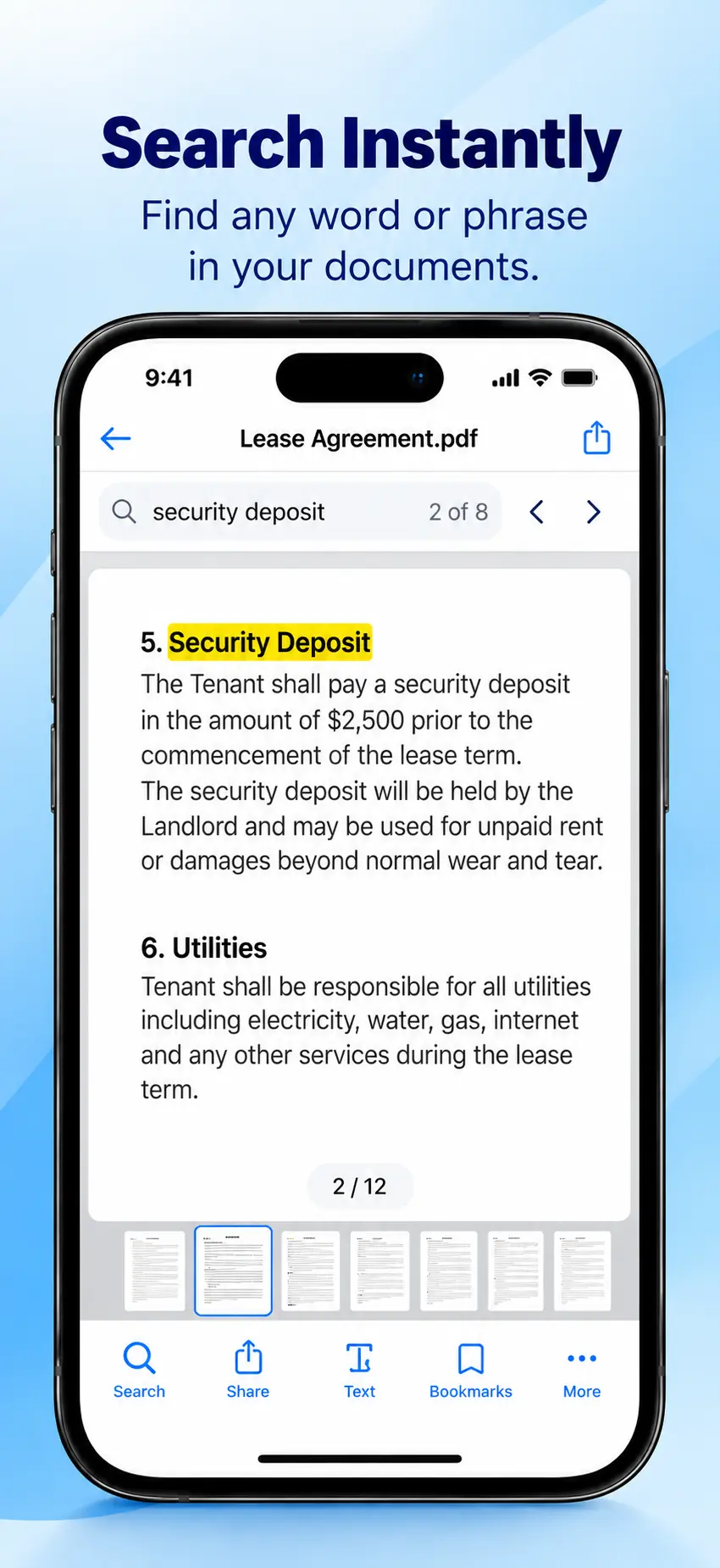
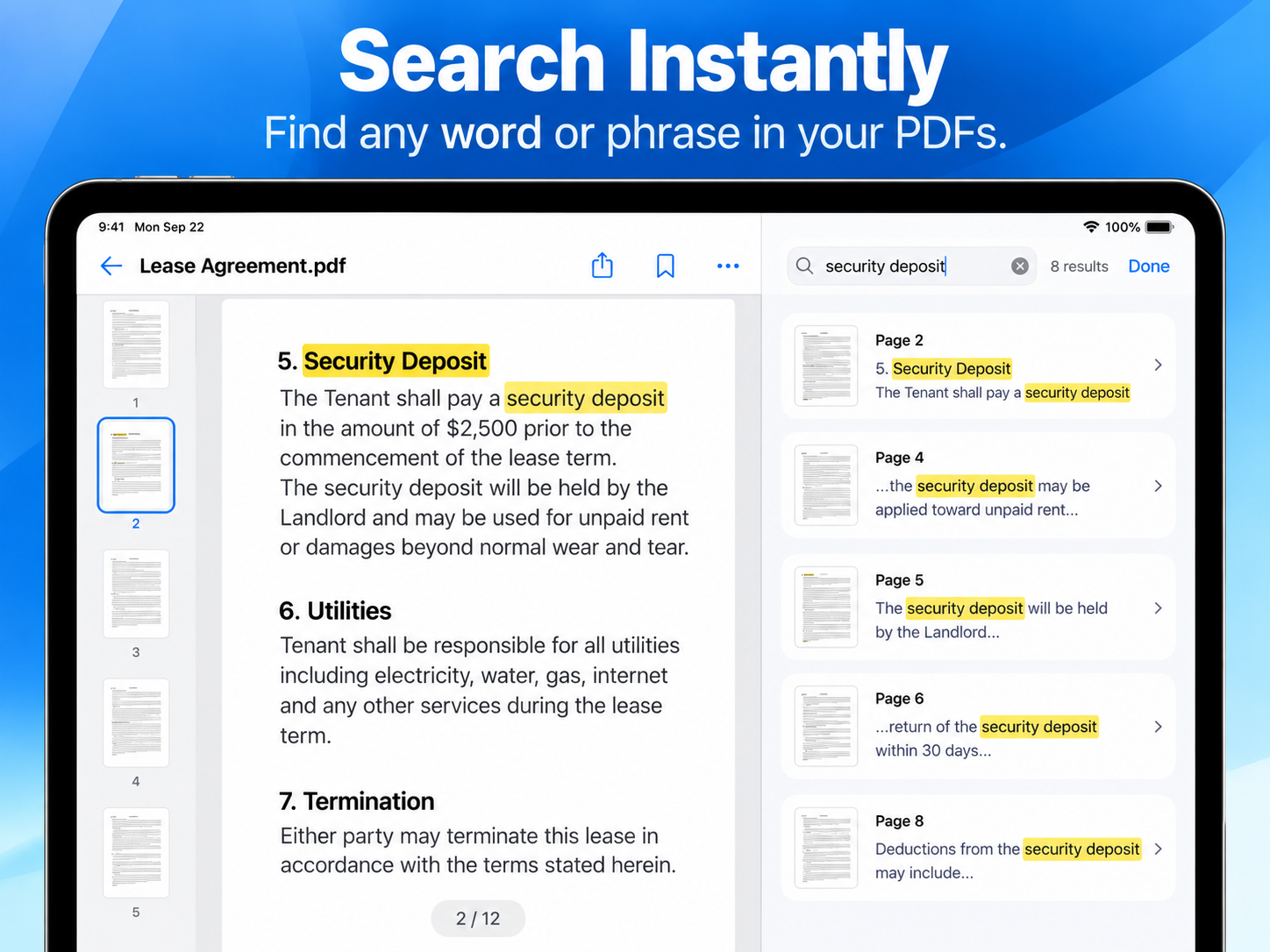
Searchable PDF
Convert scanned PDFs into searchable PDFs with a hidden text layer — keep the original look.
Image to text
Snap a photo or import an image and get clean, editable text instantly.
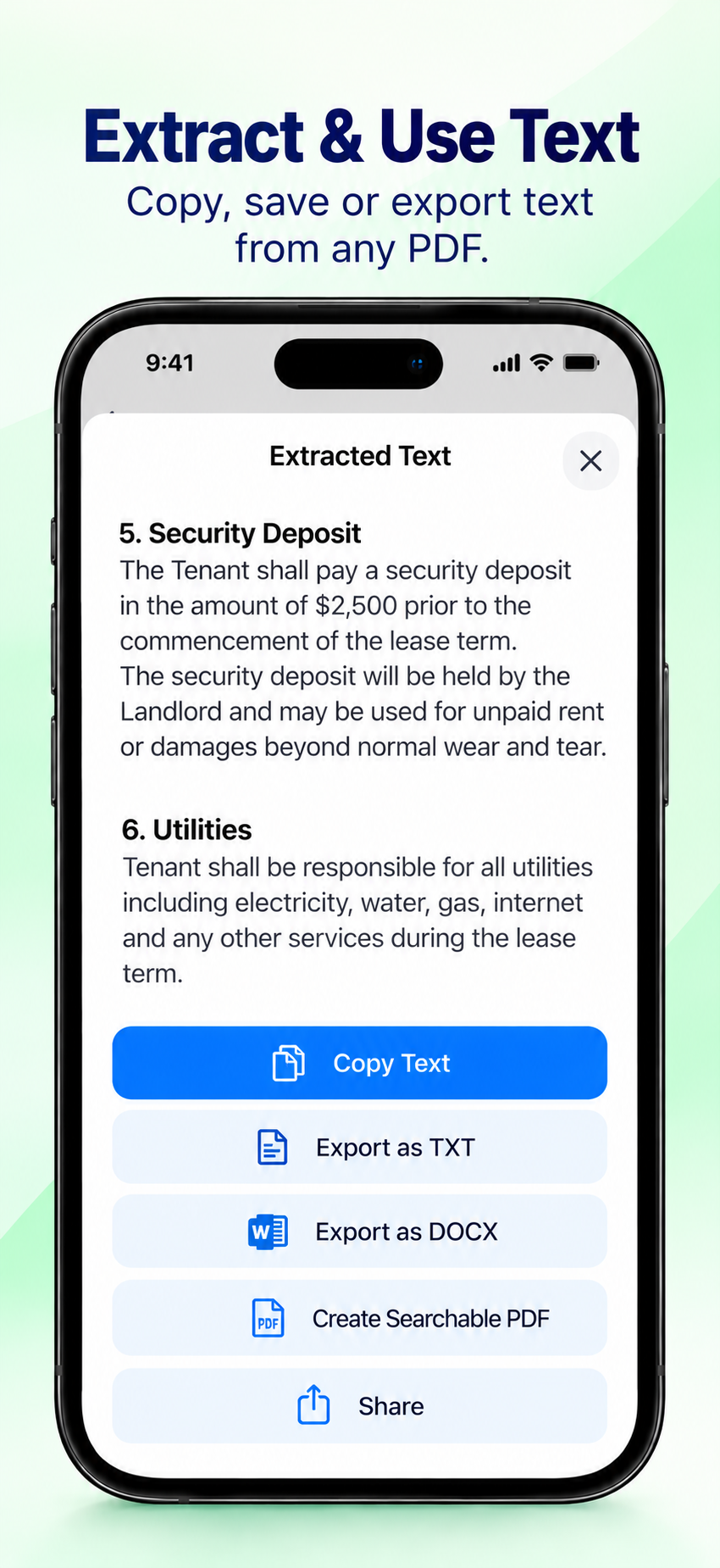
PDF to text
Extract text from every page and export to TXT or Word, or copy and share.
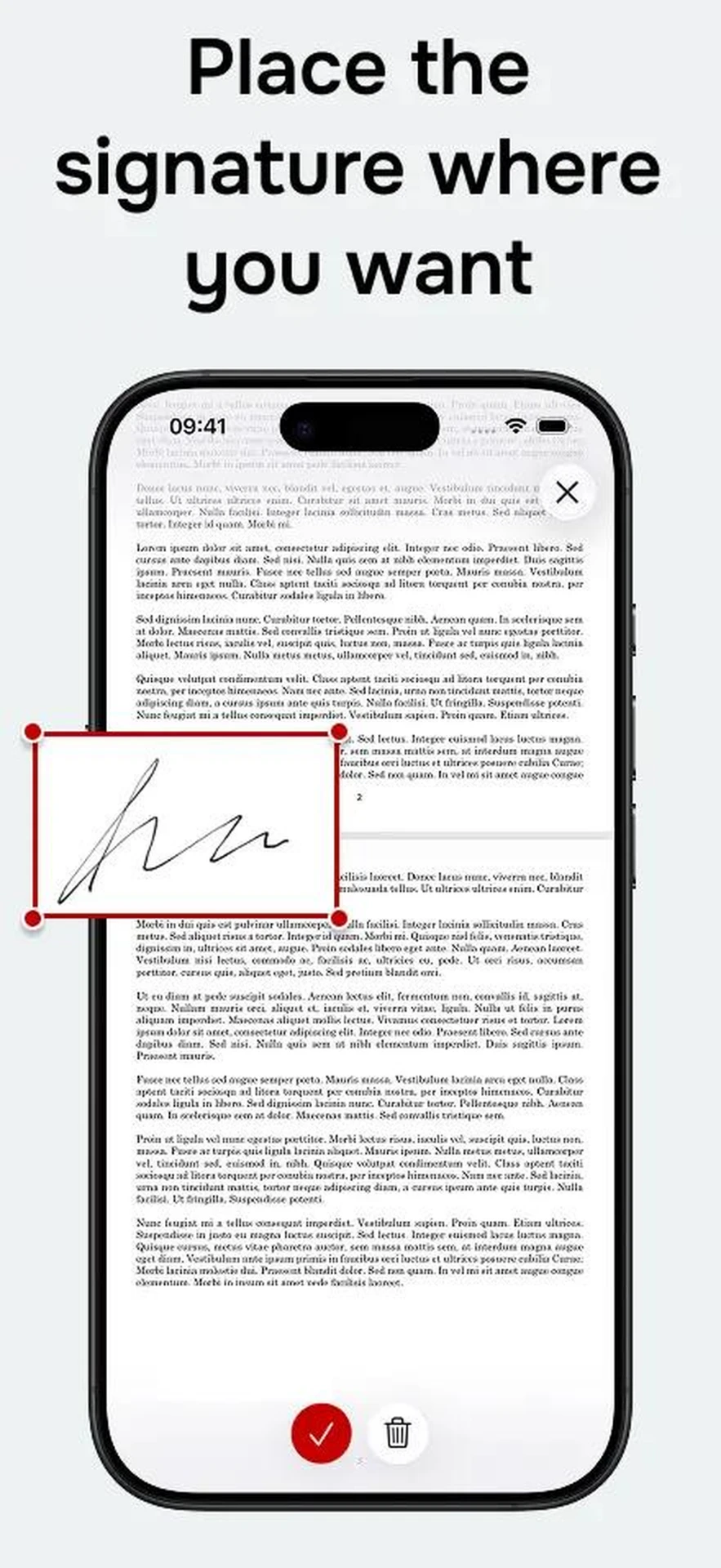
Sign PDFs
Add your signature to any PDF — place it on one page or multiple pages, anywhere on the document.
Camera scan with edge recognition
Point your camera and OCRFlow automatically locates, outlines, and crops the document — on iOS and Android.
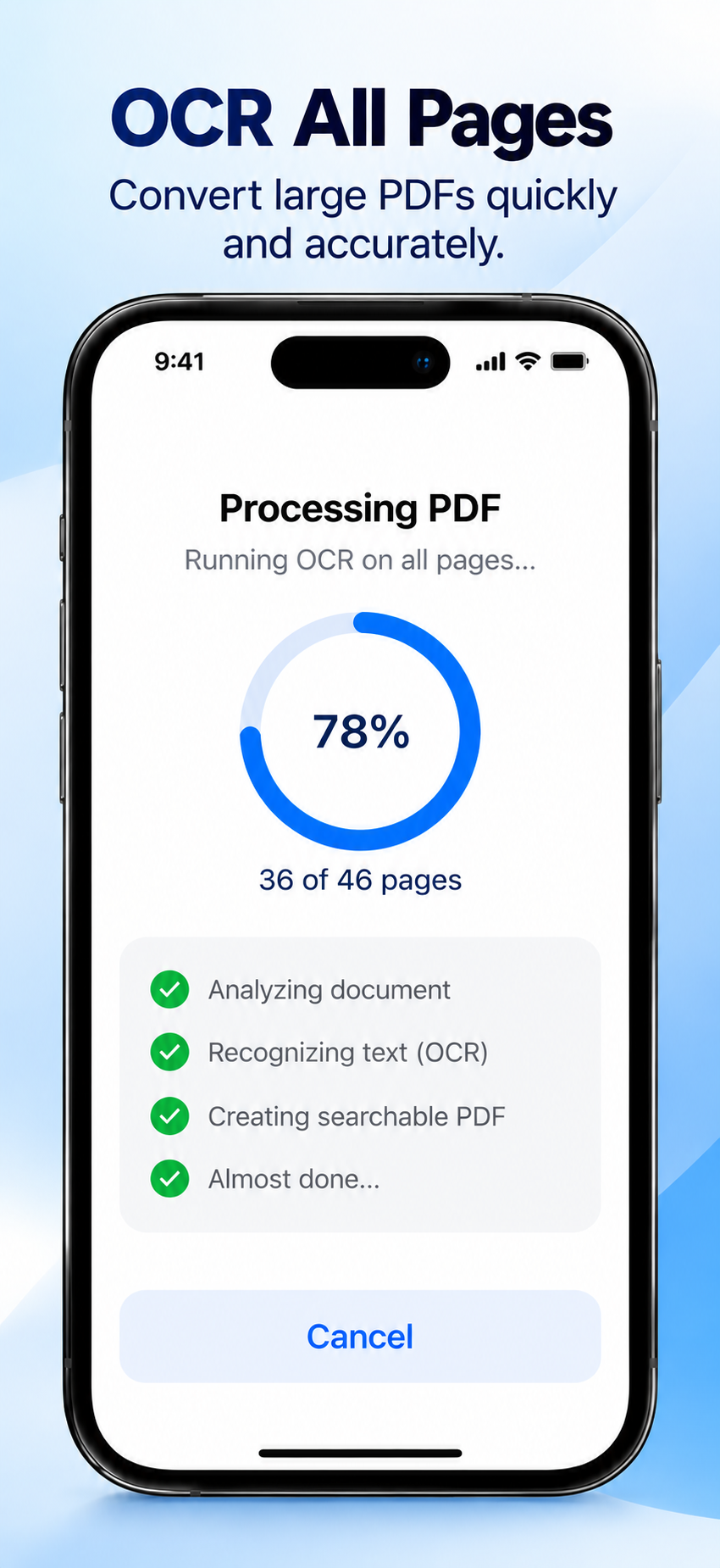
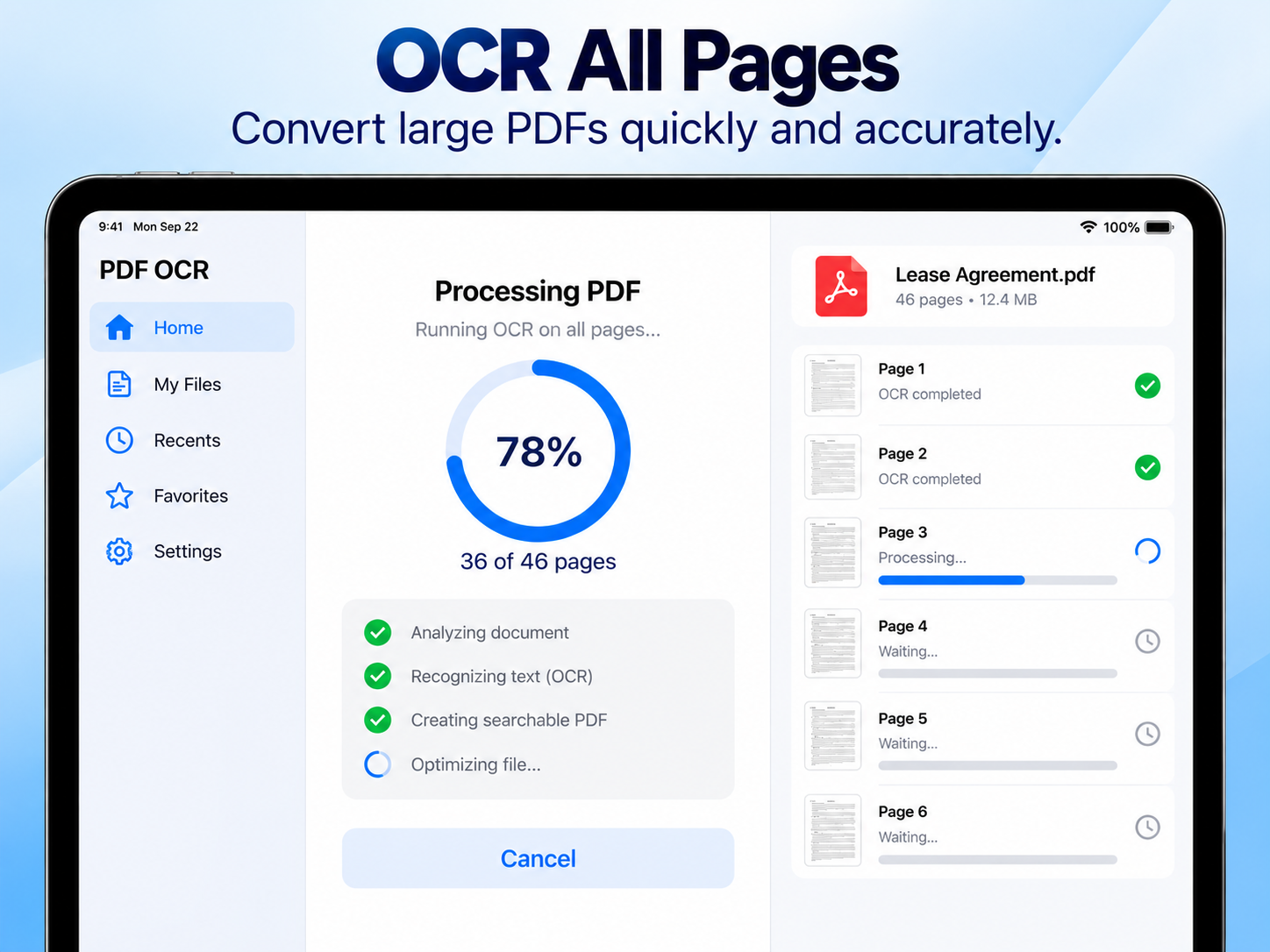
OCR all pages
Batch-process long documents — contracts, invoices, tax forms — page by page.
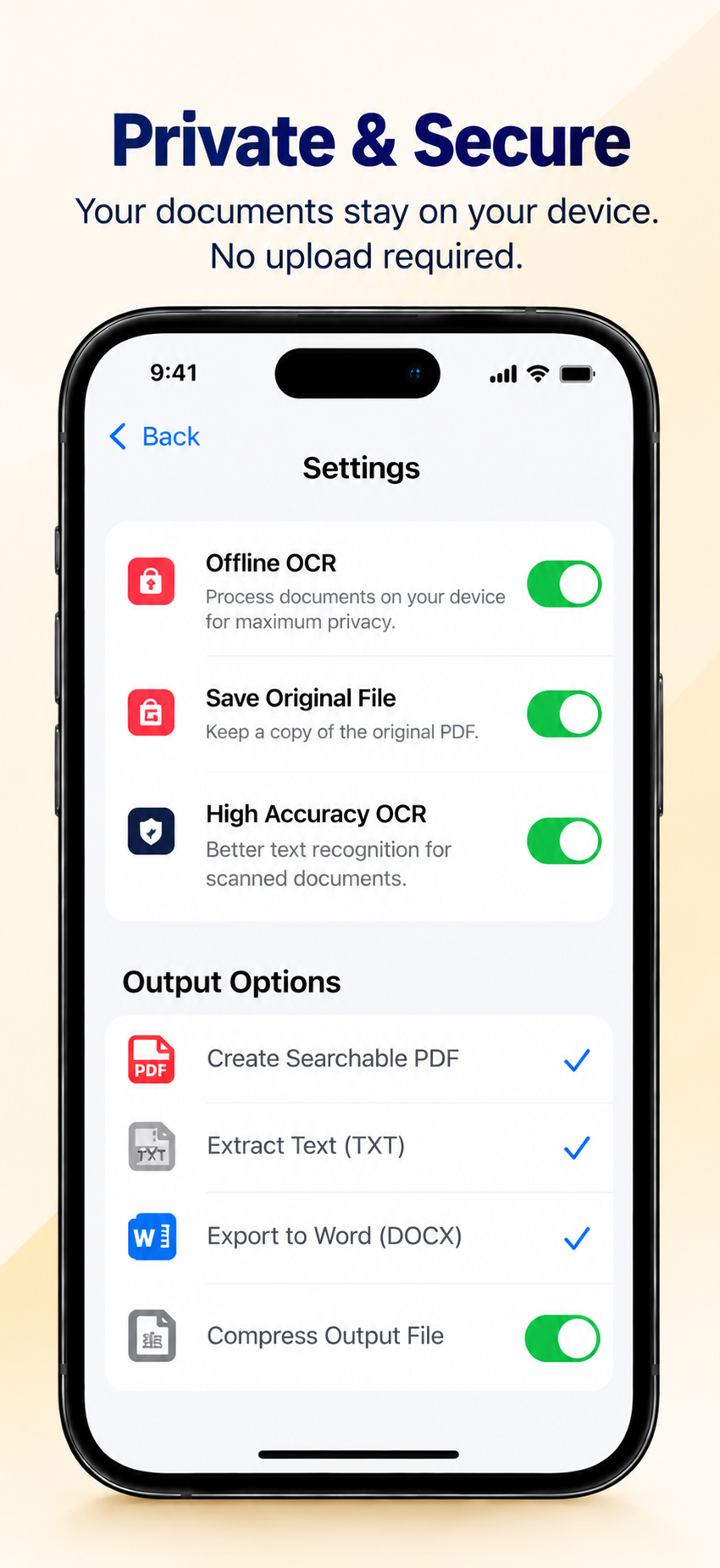
Private by design
OCR runs on your device. Your documents never leave it unless you share them.
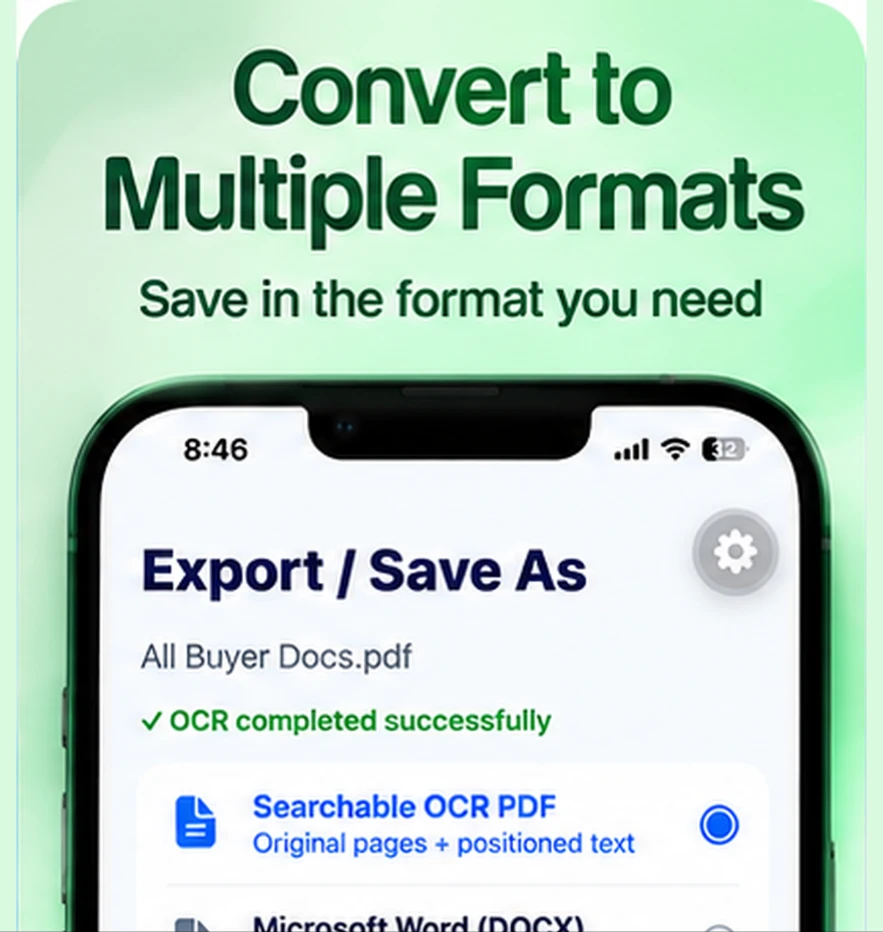
Export anywhere
Save to Files, share to apps, or copy text straight to your clipboard.
Screenshots
Available for iOS and Android.
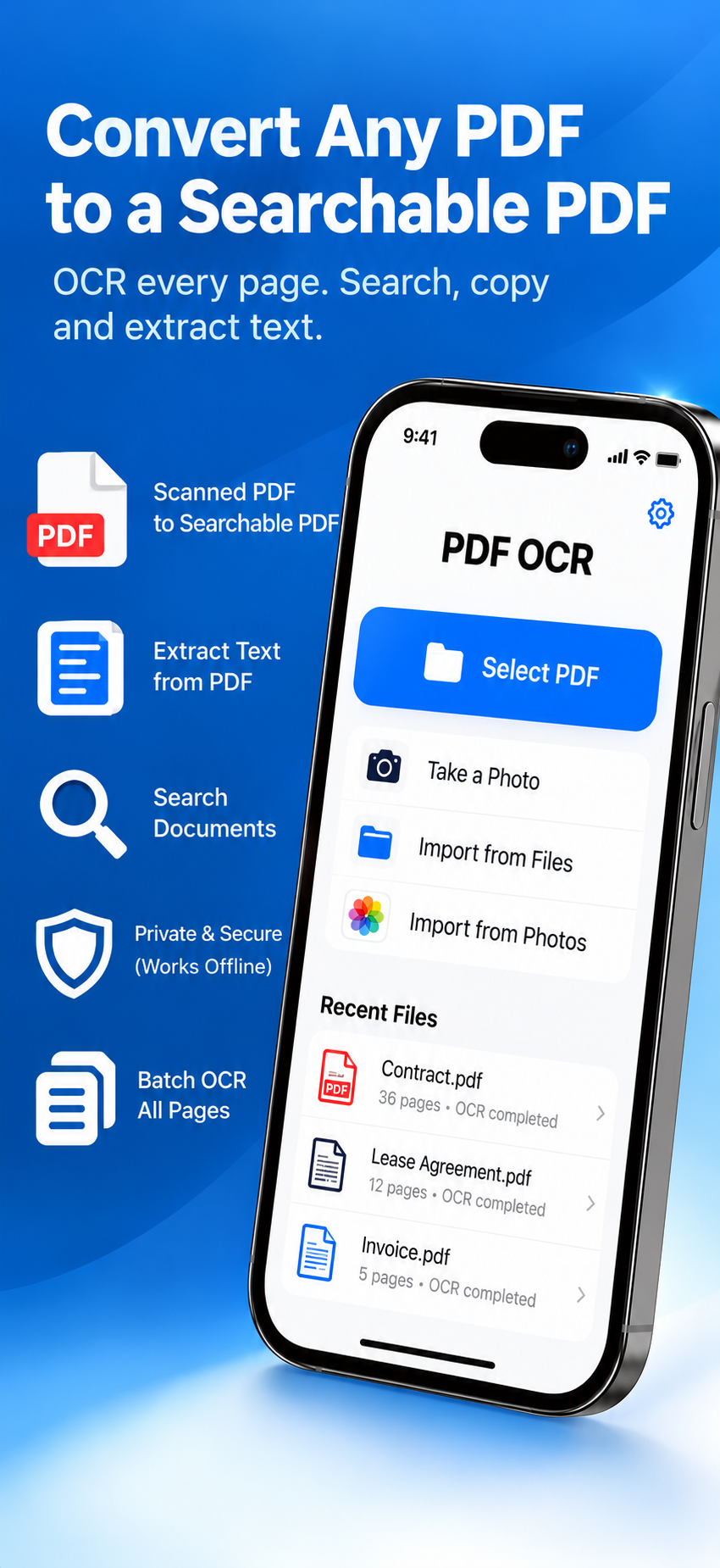
From paper to searchable in three taps
- 1. Open or scan — import a PDF, or use the camera: edges are detected and the page is cropped automatically.
- 2. Run OCR & sign — every page is recognized on-device, and you can place your signature on one or many pages.
- 3. Search & export — find any word, copy text, or save a searchable PDF.